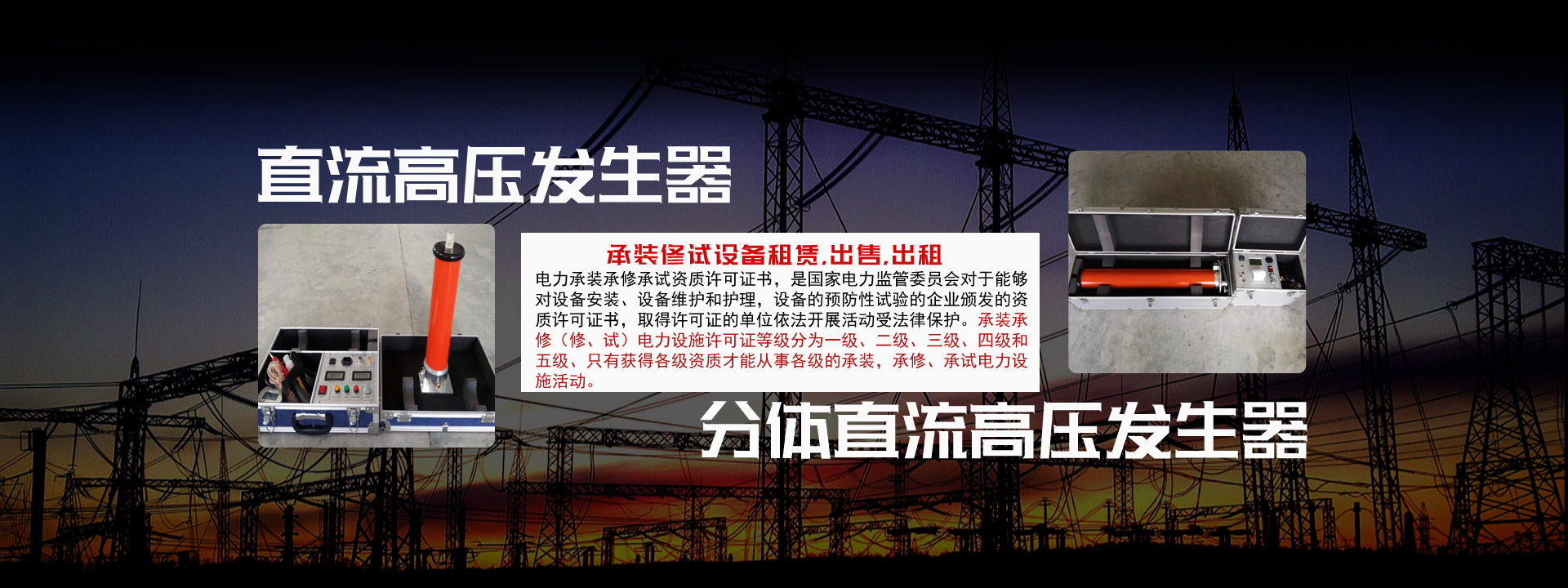
ZGF120KV/3mA DC High Voltage Generator for Power Cable and Transformer Equipment Completeness:
1. High Voltage Generator Main Unit 1 unit
2. Power Operation Box 1 unit
3. Test Leads 1 set
4. Digital Microammeter 1 piece
5. Telescopic Discharge Rod 1 piece
6. Power Cord 1 piece
7. Fuses 3 pieces
8. Product User Manual 1 copy
9. Product Certificate (Warranty Card) 1 copy
ZGF120KV/3mA DC High Voltage Generator for Power Cable and Transformer Detailed Test Operation
1. Manual Voltage Rise Mode
After power-on, enter the main menu, rotate the setting control lever to move the cursor to the "Manual Voltage Rise" option, click the control lever to enter the manual mode parameter setting interface. After setting various parameters according to specific test requirements, you can enter the voltage rise interface. First press the high voltage on button, after the red light turns on, rotate the knob. When the voltage rises to the set test voltage value, the timer starts timing. After timing is completed, the system will automatically reduce the voltage to zero, and then a test record save dialog box will pop up. After making a selection, the test is completed; if the voltage does not reach the set test voltage value, press the 0.75UDC-1mA button, the system will automatically reduce the voltage to 0.75 times the current voltage value, and then count down with the set pressurization time. After timing is completed, the system automatically reduces the voltage to zero, and then a test record save dialog box will pop up. After making a selection, the test is completed.
2. Automatic Voltage Rise Mode
After power-on, enter the main menu, rotate the setting control lever to move the cursor to the "Automatic Voltage Rise" option, click the control lever to enter the automatic mode parameter setting interface. After setting various parameters according to specific test requirements, you can enter the voltage rise interface. At this time, after pressing the high voltage on button, the system will start automatic voltage rise. After rising to the set test voltage value, it will stabilize the voltage and start timing. After timing is completed, the system will automatically reduce the voltage to zero, and then a test record save dialog box will pop up. After making a selection, the test is completed.
Working Principle Block Diagram